In today’s fast-paced construction industry, MEP Engineers are expected to do far more than traditional design engineering, coordination and supervision. They must model complex systems, ensure energy efficiency, collaborate in BIM environments, and deliver error-free designs and installations – all within tight deadlines.
That’s why mastering the right software tools isn’t optional anymore; it is what can separate efficient engineers from the rest. Here are the essential tools that every MEP Engineer should learn to master and deploy in their operations.
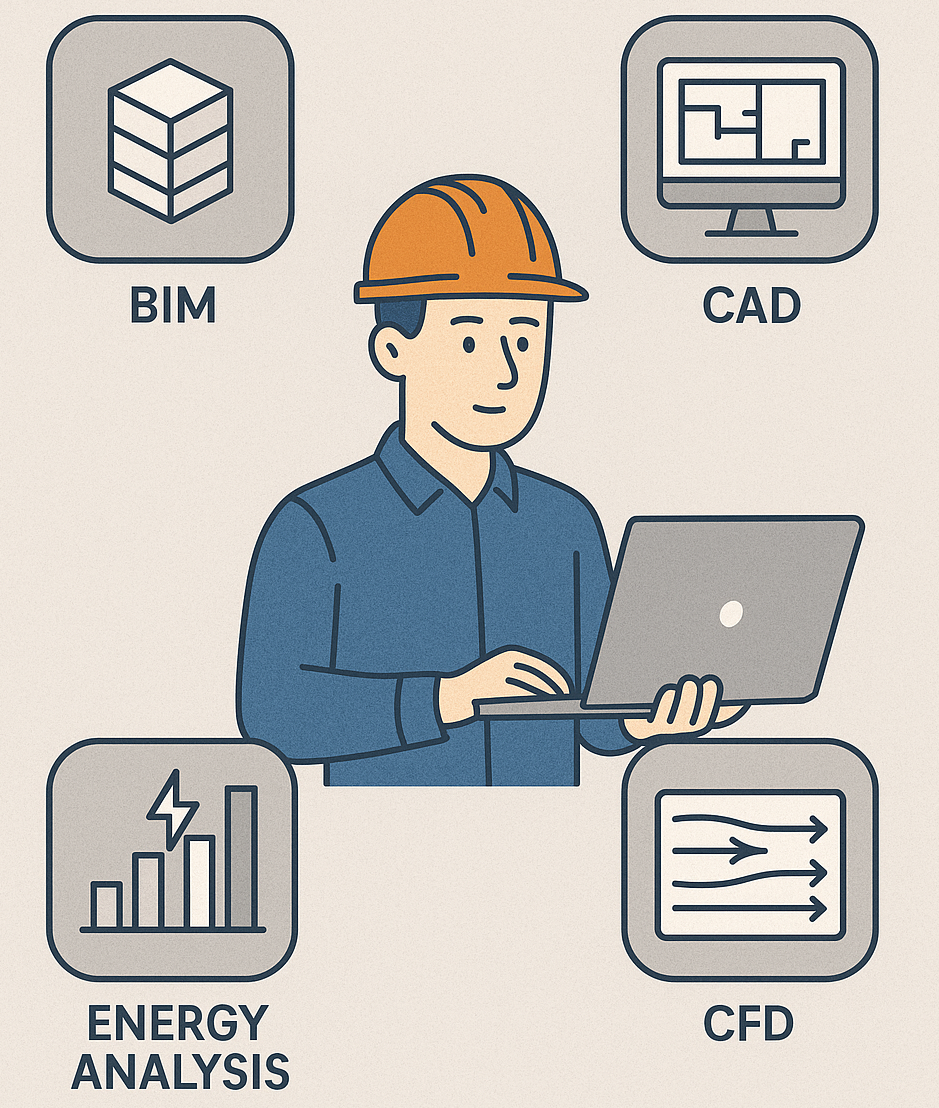
1. AutoCAD – The Industry’s Foundation
Even with advanced BIM tools dominating the field, AutoCAD remains the backbone of MEP drafting and documentation. A good foundation in AutoCAD can contribute to a faster adaptation to other more complex CAD/BIM tools.
- Primary Use: 2D drafting, schematics, layouts, and as-built drawings.
- Why It Matters: Nearly all project documentation and coordination still rely on AutoCAD layers and file formats (.dwg).
- Practical Tip: Learn how to use dynamic blocks and layer management efficiently – they save hours on repetitive detailing.
2. Revit MEP – The BIM Powerhouse
Revit MEP is the go-to platform for Building Information Modelling in MEP design.
- Primary Use: 3D modelling, system coordination, clash detection, and quantity take-offs.
- Why It Matters: Most large-scale projects now mandate BIM deliverables, and Revit MEP enables integrated design across mechanical, electrical, and public health systems.
- Practical Tip: Focus on families creation and system templates – mastering these makes you exponentially more efficient in multi-disciplinary collaboration.
3. Navisworks – Coordination and Clash Detection
Once models are created in Revit or other BIM tools, Navisworks helps identify design conflicts before they reach the site, thus ensuring that the final model contains minimal clashes between services.
- Primary Use: 3D model integration, clash detection, and construction sequencing (4D simulation).
- Why It Matters: Early clash detection and resolution help prevent costly site re-works, which is a major advantage for both consultants and contractors.
- Practical Tip: Use Navisworks to facilitate weekly coordination meetings; the visual clashes make problem-solving more efficient than text-based discussions.
4. Bluebeam Revu – Smart Documentation and Review
In today’s digital workflow, Bluebeam Revu is the modern replacement for printed drawings and red pens. It can be helpful for proposing changes to drawings and speeds up the approval process. Basic quantity measurements can also be done using Bluebeam.
- Primary Use: PDF markup, drawing review, and collaboration on digital documentation.
- Why It Matters: It improves coordination among teams and eliminates errors caused by outdated drawings. It can be used for red-line mark-ups for the production of As-Built drawings.
- Practical Tip: Create custom markup sets for MEP symbols to speed up review and approval processes.
5. Dialux and/or Relux – Lighting Design and Simulation (Electrical Engineers)
For electrical engineers, Dialux and/or Relux are must-have tool(s) for accurate lighting analysis and design, to ensure compliance with all relevant lighting parameters. The 3D capabilities are useful for seamless integration and modelling.
- Primary Use: Interior and exterior lighting calculations, daylight simulations, and energy compliance.
- Why It Matters: These tools can integrate directly with manufacturer data, allowing precise lux-level predictions for realistic design outcomes.
- Practical Tip: Export the results into AutoCAD or Revit environments for easy integration with overall electrical layouts.
6. ETAP and/or SKM PowerTools – Electrical System Analysis (For Electrical Engineers)
Electrical engineers designing power systems must understand ETAP (Electrical Transient Analyser Programme) and/or SKM PowerTools, as these allow for detailed simulation and analysis of electrical power systems.
- Primary Use: Load flow analysis, short-circuit studies, arc flash hazard assessment, and protection coordination.
- Why It Matters: These tools ensure system reliability and safety by identifying electrical faults and optimising protection settings.
- Practical Tip: Simulate different load scenarios to verify your system’s resilience under peak conditions.
7. Carrier HAP and/or Trane TRACE – HVAC Load Calculations (for Mechanical Engineers)
Mechanical engineers rely on load calculation software like Carrier’s HAP (Hourly Analysis Program) or Trane’s TRACE to design efficient HVAC systems, including load calculations, energy modelling and analysis in 3D environments.
- Primary Use: Cooling and heating load estimation, energy analysis, and equipment selection.
- Why It Matters: Accurate load calculations are the foundation of efficient HVAC design and performance – they determine system capacity, duct sizing, and energy performance.
- Practical Tip: Learn to export results into Revit for seamless integration with your mechanical models.
8. Pipe Flow Expert and/or WaterCAD – Hydraulic Modelling (for Mechanical/plumbing Engineers)
For plumbing and fire protection engineers, hydraulic modelling software like Pipe Flow Expert and/or Bentley WaterCAD are invaluable tool(s) that can improve the design of pipework systems.
- Primary Use: Designing pressurised and gravity flow systems, analysing pipe sizes, and calculating pressure losses.
- Why It Matters: They help ensure that systems operate efficiently without overdesigning (which helps minimise material wastage and cost).
- Practical Tip: Use built-in libraries to simulate different fluid types and pump configurations for more accurate results.
9. Primavera P6 and/or Asta Powerproject – Project Planning
Understanding project scheduling/programming tools is key for planning and monitoring the progress of installations on site, and for preparing progress reports. It can help in tracking delays and issuing the relevant notices to protect contractual entitlements. MEP engineers should endeavour to master the programming software used on their projects; otherwise, there could be severe adverse repercussions, which may not be apparent until later in the project, when trying to make a claim for delays (EoT), disruption or Loss and Expense. Asta Powerproject and Primavera P6 are the most common programming tools used for most MEP projects in the UK.
- Primary Use: Timeline planning, resource allocation, and milestone tracking.
- Why It Matters: MEP installations are highly sequence-dependent; understanding schedule dependencies can help you design and execute smarter, and protect your contractual rights.
- Practical Tip: Incorporate your variations/scope changes into the programme as early as possible, to contemporaneously track the impacts of such changes.
Final Thoughts…
Technology is now an integral part of successful MEP project delivery; indeed, some people refer to it as the fourth discipline in MEP – alongside mechanical, electrical, and plumbing/public health. Engineers who master the appropriate software tools are better equipped to design efficiently, collaborate effectively, and deliver projects that meet modern sustainability and performance standards.
The key isn’t learning every tool – it is knowing which ones fit your role and how they integrate with other tools for seamless MEP delivery.